


Parental Control App
Online learning is increasingly on trend these days, especially after the COVID-19 pandemic. On the other side, with the increased use of phones and laptops, the cases of cyberbullying, threats, scams and other things are also growing.
Parental control apps have become a basic necessity for online coaching and ed-tech platform businesses that run online in order to maintain online safety and good marks.
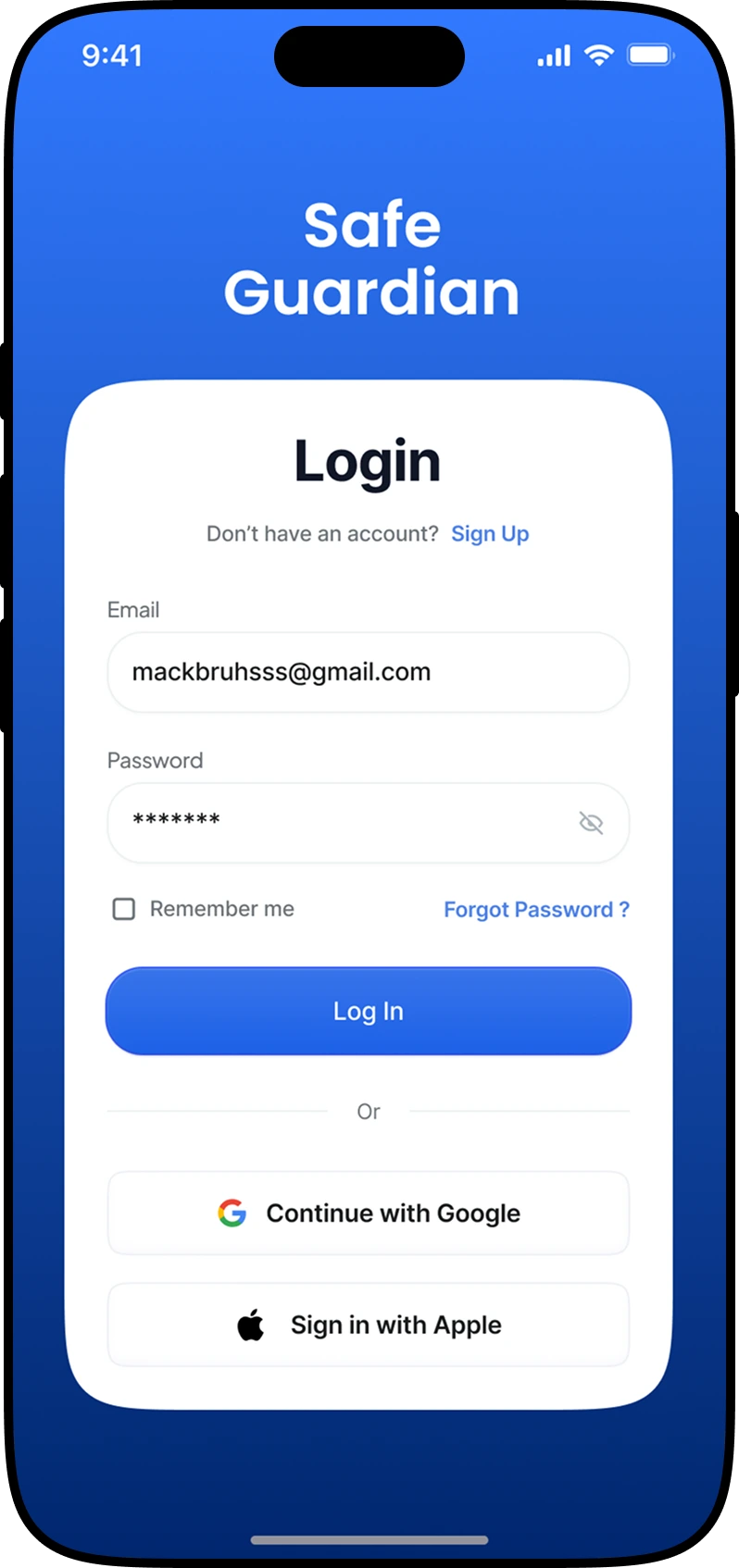
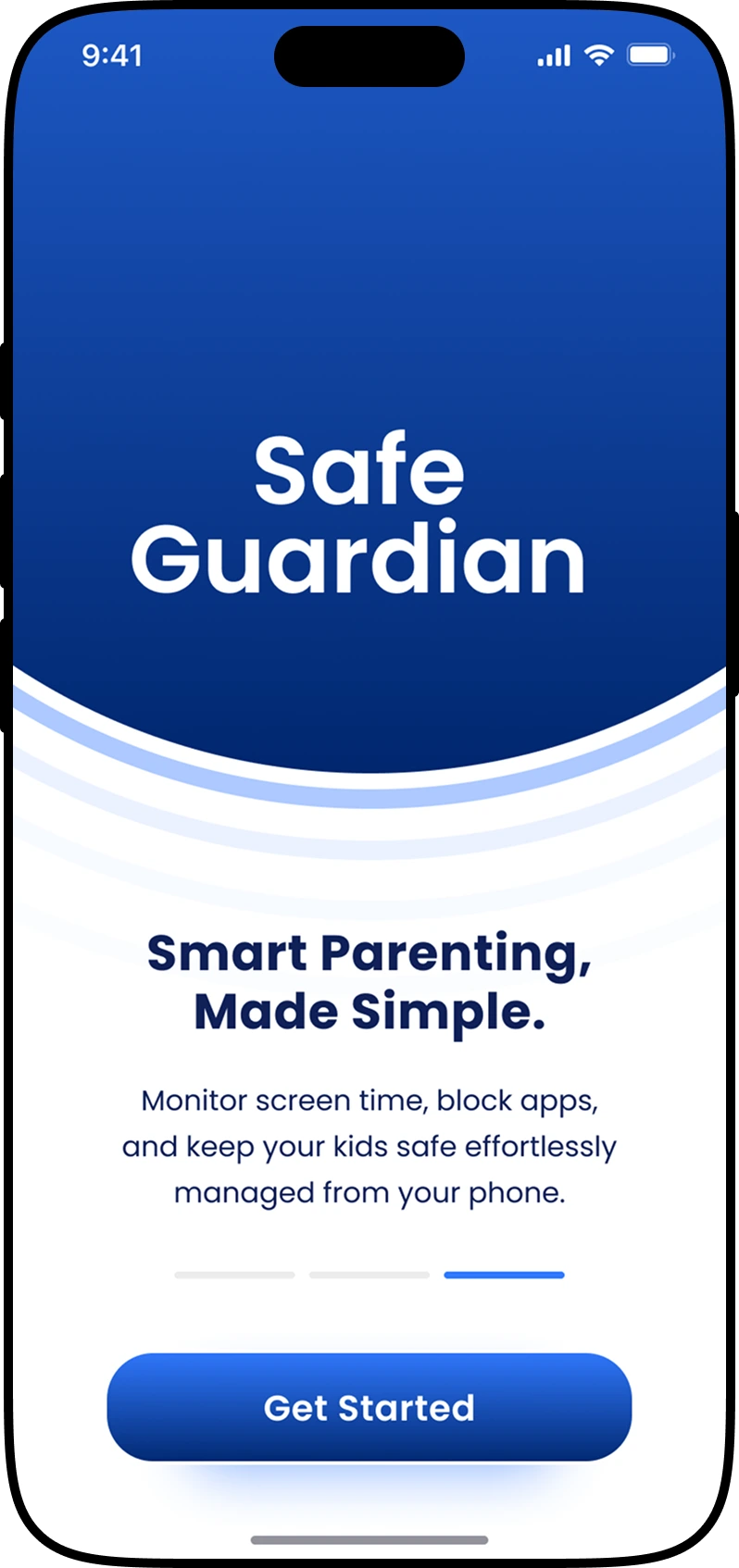
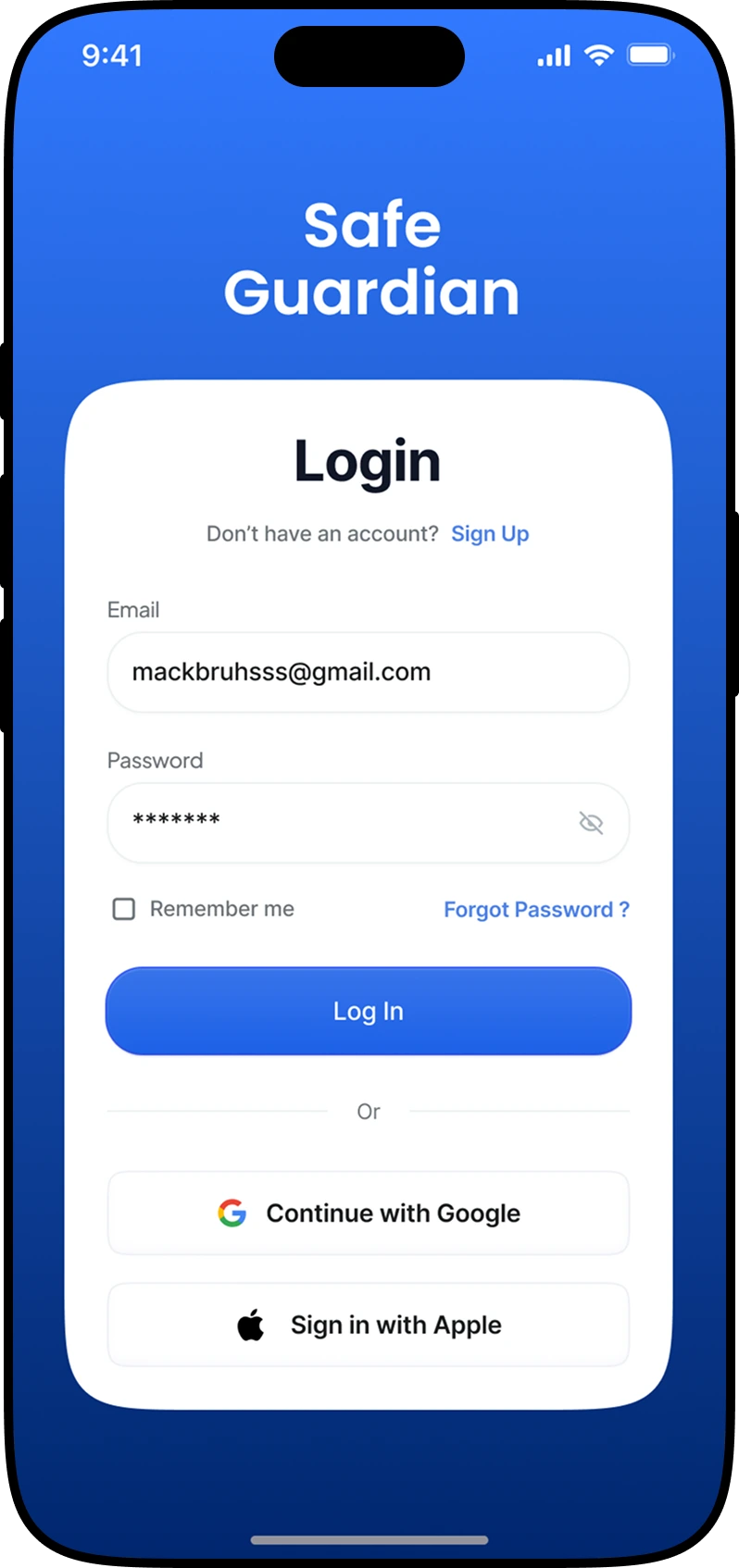
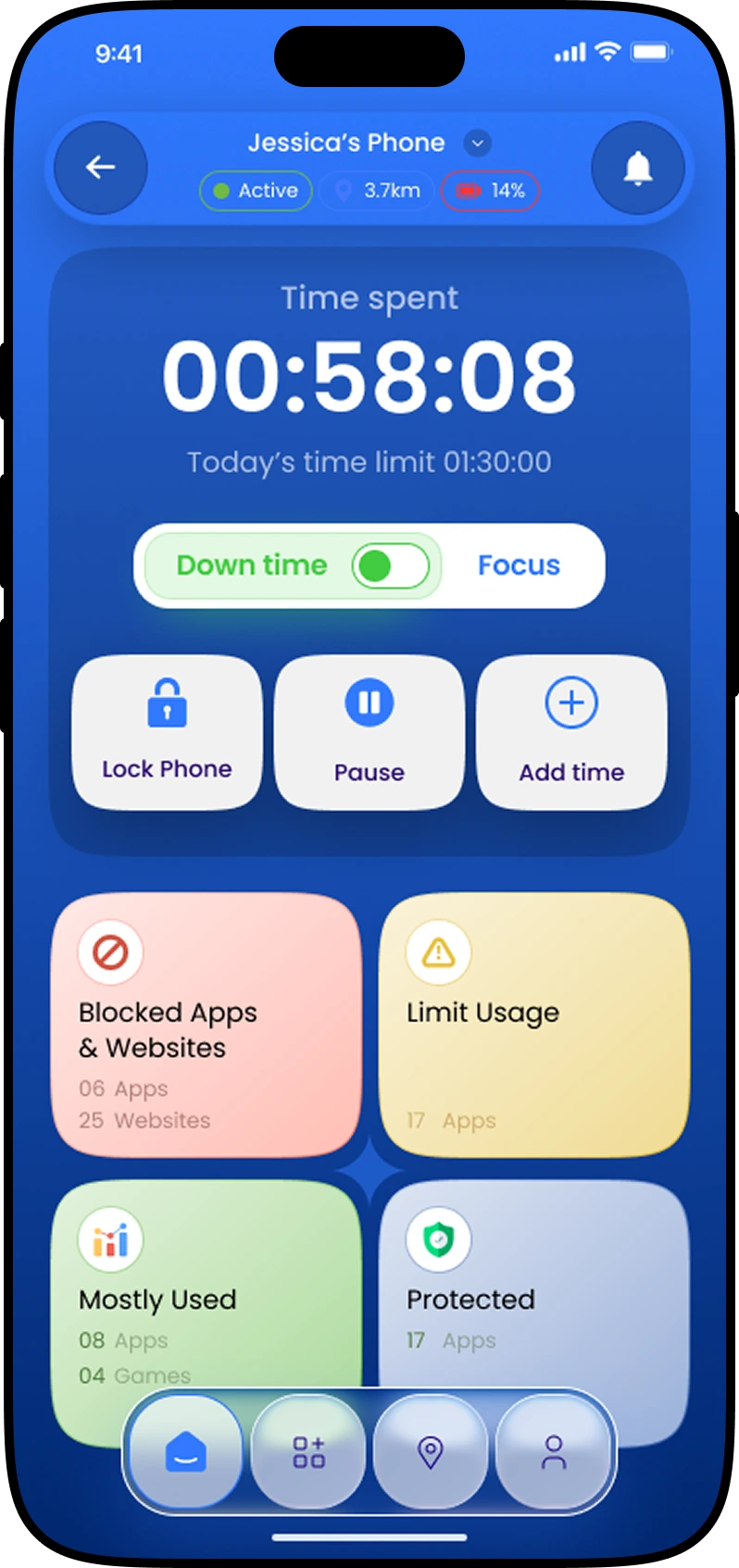
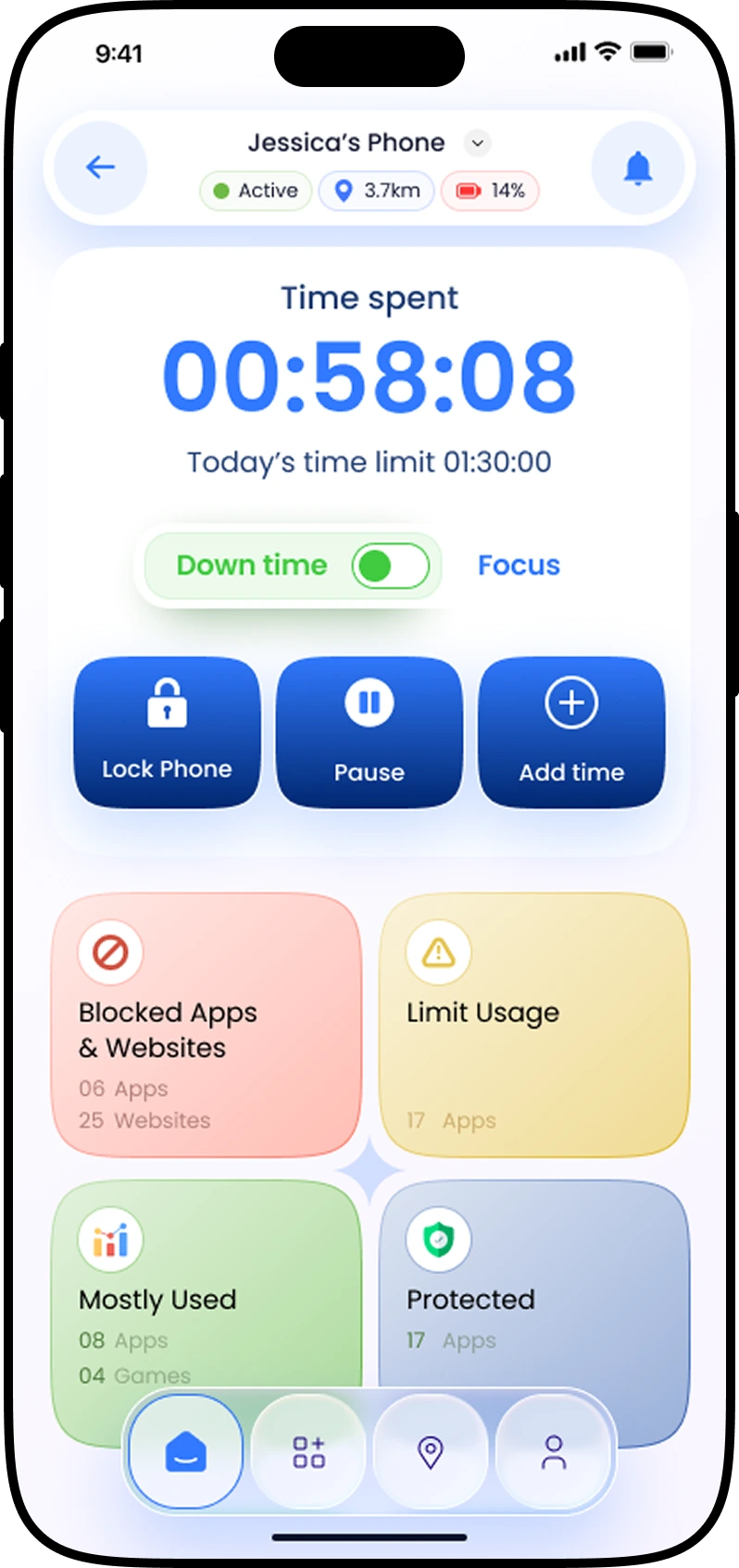
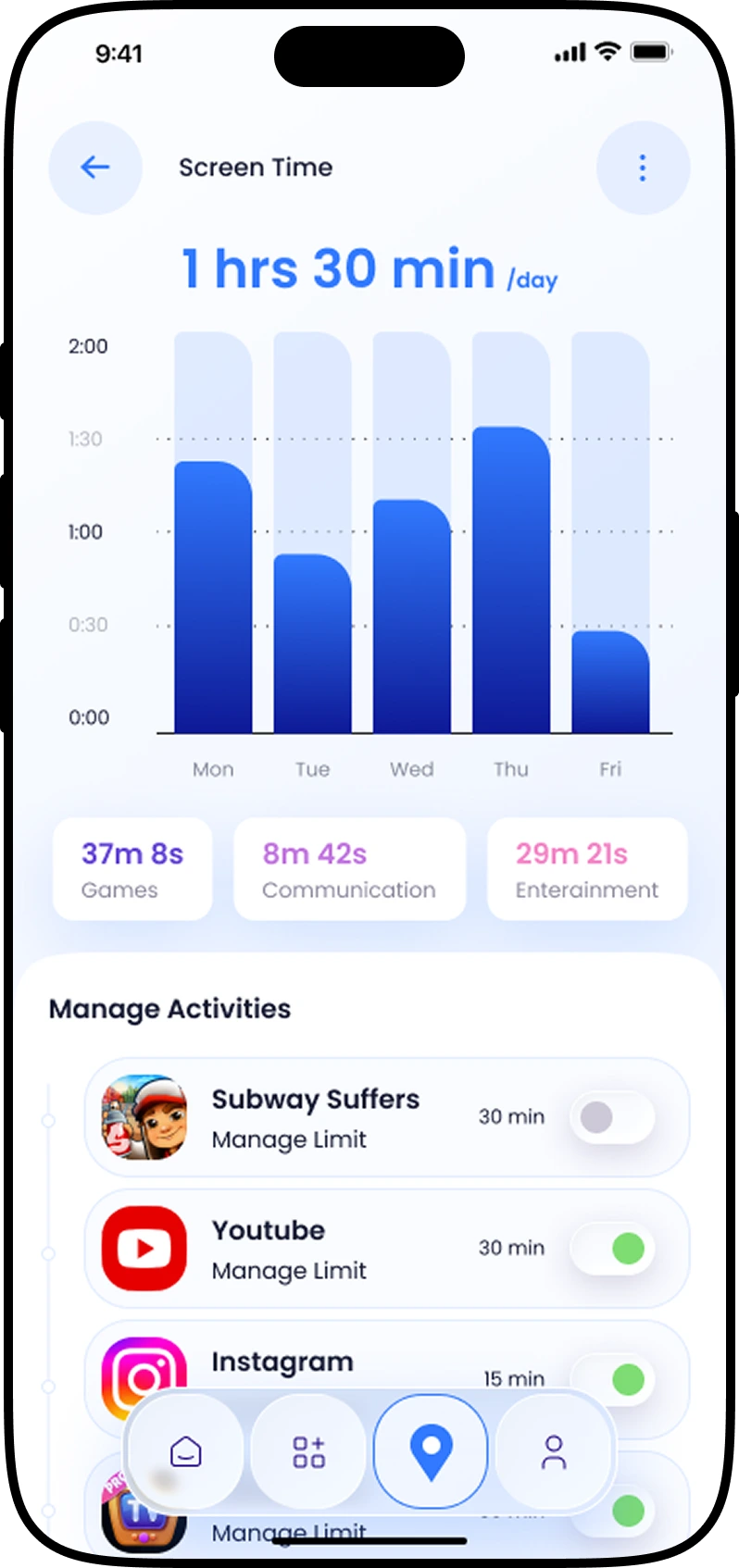
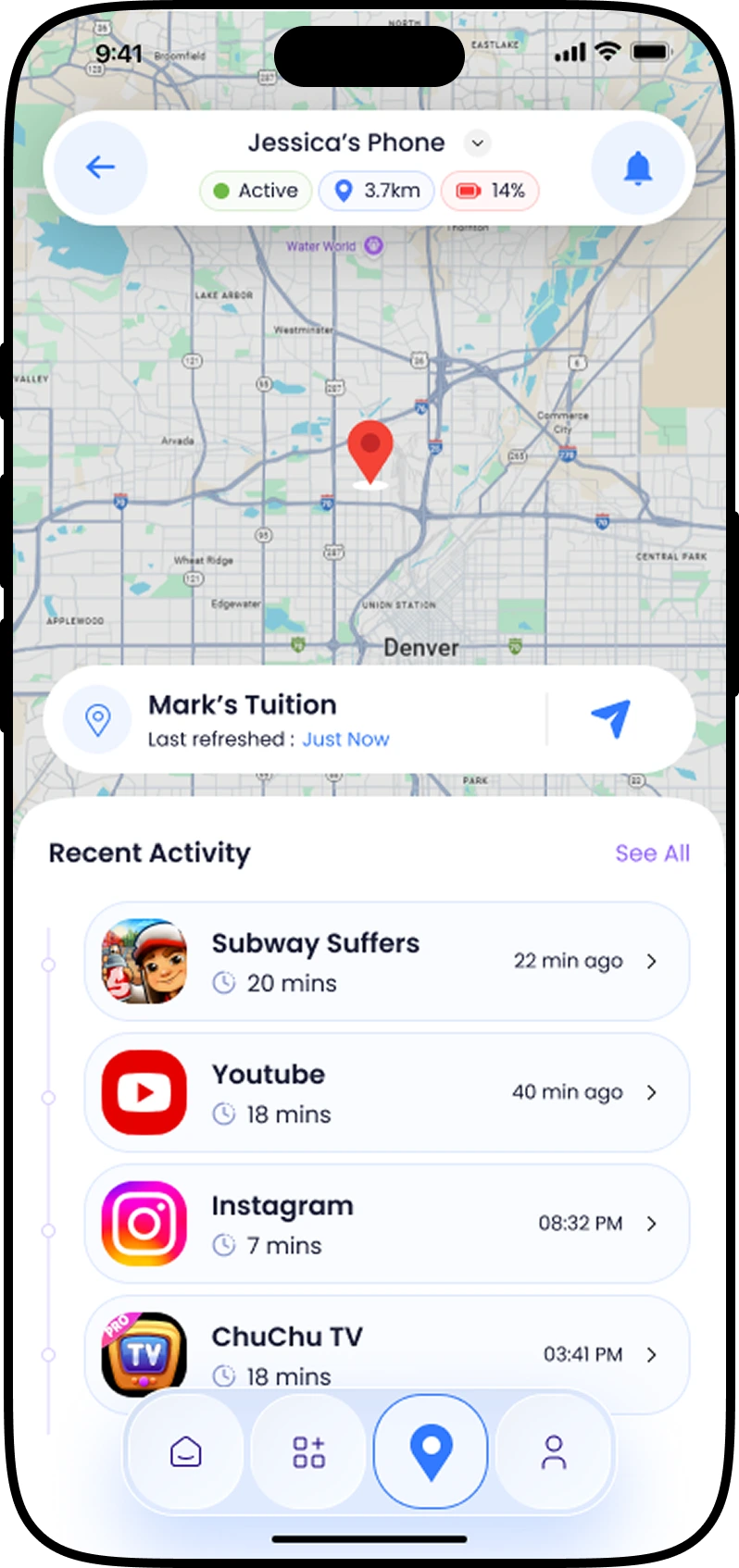
We developed the parental control with exciting features like screen-time scheduling, app blocking, safe browsing, emergency contacts and family dashboards to create a healthy learning environment without any distractions.
Business Problem
Our client is a leading edtech platform that provides courses and learning materials to schools and other coaching institutions.
After the pandemic, their online edtech platform was in great demand and already had lots of users using it, but for a few months, they were receiving queries from parents about increasing screen time, inappropriate ads, cyber threats and much more.
Children were often getting diverted by random notification pop-ups and some were attracted to move to other gaming platforms, social media platforms, and other websites.
This was eventually affecting their studies and resulting in fewer marks over time.
This was creating trust issues and other concerns in parents.
Some were also looking for other ed-tech platforms that offer them parental control and other features to monitor their children's online activity.
The Big Idea
The client approached Expert App Devs with an idea to develop a parental control app that gives parents access to real-time monitoring, content filtering, location tracking and screen time management to make sure children only focus on studying during study time.
They suggested developing a simple app with minimal design that will track online activities, block distracting apps and websites and limit screen time on unusual online activity to keep the students focused and prevent them from diverting.
Brief Into the App
This is basically a cross-platform parental control app which can be used on Android, iOS, as well as desktop and web.
Parents simply need to install the best child monitoring app in the system or phone that students use for learning and start the timer during their learning session.
Instead of a generic tool, the client mentioned that he wants a parental control app but without compromising children's privacy.
Parents can add inappropriate websites and apps to the blacklisted categories, which will be hidden from children.
The app also notifies on screen if the screen limit exceeds to ensure eye safety and balance study.
If any children try to use a VPN or access a restricted app or website, parents will receive an instant alert to take action accordingly.
Plus, parents can also see the time spent on learning suitable things and the distraction time.
Our Process
As the requirement was to just monitor the online activities and notify the parents about the children's online report that too without feeling over-monitored and compromising security, we chose a user-first approach.
Here are the steps:
#1. Research & Discovery: We conducted surveys with parents, teachers, and students to understand their real concerns. Plus, we also studied some of the apps to monitor kids' phones and parental control apps that are already in the market.
#2. Strategy & Planning: Together with the client, we defined the app’s core objectives: simplicity, security, cross-platform support, and education-first design.
#3. Design & Prototyping: Some parents were technically good, while others were not. Hence, our UX team designed a clean app design to keep the basic functionality easily accessible with guided onboarding.
#4. Development: We built the app on React.js and used secure coding practices to make sure it complies with app store policies and OS-level privacy rules.
#5. Testing & Iteration: We tested with real families before releasing the app. Then gave some final refinement and updated it according to feedback.
#6. Deployment & Integration: After our QA and testing experts tested every module, we delivered the app to our ed-tech client. And motivated students and parents to install in their system.
Challenges
- Balancing oversight with privacy: It is important to monitor children’s online activity, but still balance their trust and privacy. This required building a custom monitoring system that only tracks learning activity, but not private messages and browsing data.
- Content Filtering: Creating an advanced filter that blocked harmful websites while allowing academic resources was technically complex. This required an AI-driven filter to differentiate the restricted websites and approved educational resources in real time.
- Scalability: The app is going to handle thousands of users so to prevent hanging, we implemented cloud-based architecture and load balancing for stable performance.
- Security Concerns: The app is going to handle students' sensitive data, which requires end-to-end encryption, secure login methods, and compliance with child data protection regulations like COPPA and GDPR.
- Easy Setup: users are both technical and non-technical, hence the app needs to be easily installed; this is why we kept the one-click installation and friendly guide at the beginning.
Real-Time Location Tracking
Screen Time & App Management
Safe Browsing & Content Filtering
Communication & Alerts
Activity Reports
Multi-device Management
Gallery

Let's build your next digital product together.
Get Started